The difference between image loading lazy and decoding async in HTML
Clarifies the distinct performance roles of the loading and decoding attributes on HTML images. Explains when to defer network requests versus when to defer main-thread image decoding.
Paul Radford — Full-Stack Developer & Editor. Paul is a full-stack developer and editor of template.tips. Articles here are AI-drafted and reviewed by Paul, who knows the code well enough to catch what's wrong and cut the hype.
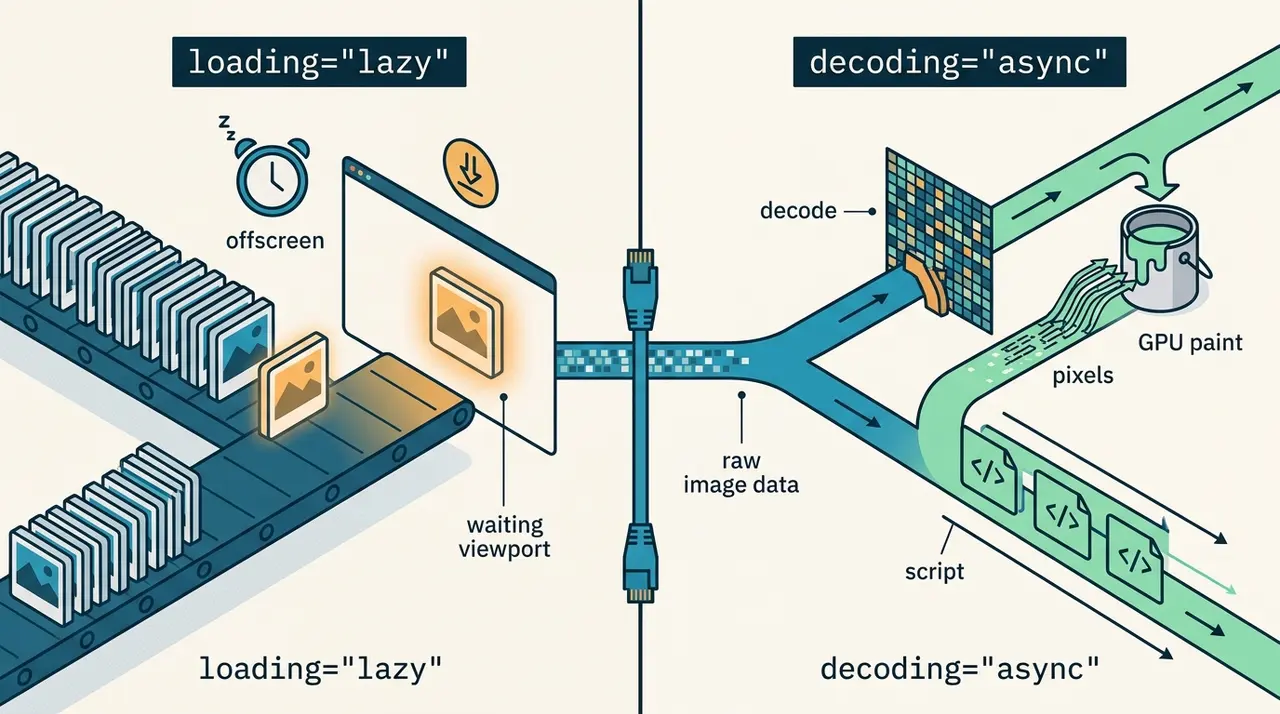
The difference between image loading lazy and decoding async in HTML
loading controls when the browser fetches an image over the network. decoding controls when the browser converts that fetched image data into pixels the GPU can paint, a step that runs on the main thread. They solve different bottlenecks: loading="lazy" saves bandwidth and delays requests for offscreen images, while decoding="async" prevents a large image's pixel decode from blocking scripts, layout, and input handling once the bytes have already arrived.
What loading actually defers
The loading attribute on <img> decides whether the browser starts fetching the resource immediately or waits until the image is near the viewport. It has two meaningful values plus the implicit default.
1<!-- Eager: browser starts the network request as soon as it parses this tag -->2<img src="hero-banner.jpg" alt="Product launch hero" loading="eager" width="1600" height="900" />34<!-- Lazy: browser defers the fetch until the image is close to entering the viewport -->5<img src="testimonial-avatar.jpg" alt="Customer avatar" loading="lazy" width="80" height="80" />Under the hood, loading="lazy" uses a rollout distance that varies by browser and by connection speed estimate, so it is not a fixed pixel threshold you can rely on for pixel-perfect timing. Chrome, for instance, expands the distance on slower connections. You should never lazy-load anything above the fold. Doing so introduces a network round trip exactly when the browser would otherwise already be requesting that image, which delays paint and can tank your Largest Contentful Paint score. The MDN img element reference is explicit that loading="lazy" is only appropriate for images outside the initial viewport.
What decoding actually defers
decoding is a hint about when the browser should perform the bitmap decode, the CPU work of turning compressed JPEG or WebP bytes into an uncompressed pixel buffer. This is separate from downloading the file. A 400KB JPEG might download in 100ms on a fast connection but still take real main-thread time to decode into a full-resolution bitmap, especially on mid-range mobile CPUs.
1<!-- Sync (the old default behavior): browser tries to decode inline with rendering,2 which can block paint of everything else on the page for large images -->3<img src="chart-full-detail.png" alt="Sales chart" decoding="sync" width="1200" height="800" />45<!-- Async: browser decodes off the critical rendering path and paints6 other content without waiting on this image's decode to finish -->7<img src="chart-full-detail.png" alt="Sales chart" decoding="async" width="1200" height="800" />The HTMLImageElement.decoding documentation on MDN describes three values: sync, async, and auto (the default, which lets the browser choose, and in practice behaves close to async in most current engines). You will rarely write decoding="sync" on purpose. It exists mainly for cases where you need the image to appear atomically with other content, for example a canvas-drawn overlay that must line up with the image pixel-for-pixel on the very first paint, with no flash of a blank frame.
Where the LCP scenario gets interesting
Here is the part that surprises people. loading="eager" (or omitting loading entirely, since eager is the default) only affects when the fetch starts. It says nothing about how the decode is scheduled once the bytes land. That means you can, and often should, combine loading="eager" with decoding="async" on your hero image.
1<!-- The classic LCP hero image pattern -->2<img3 src="hero-banner-2400.jpg"4 alt="Autumn collection lookbook cover"5 loading="eager"6 decoding="async"7 fetchpriority="high"8 width="2400"9 height="1350"10/>Why does this matter? Picture a large, high-resolution hero image, the kind that is frequently the page's LCP element. The network fetch finishes quickly because you gave it fetchpriority="high" and it is not competing with lazy images for bandwidth. But decoding a multi-megapixel image is not free. On a mid-tier Android device, decoding a 2400x1350 JPEG can take tens of milliseconds of main-thread time. If that decode happens synchronously, it competes with the browser's own layout and paint work, and with any JavaScript that is trying to run at the same moment, like a hydration script or an analytics beacon.
With decoding="async", the browser is told it is free to decode the image on a separate thread (or otherwise off the critical path) and composite it in whenever it is ready, rather than forcing the decode to happen in lockstep with the rest of the rendering pipeline. The visual result is still fast, often faster, because the browser is not stalling other rendering work waiting on this one image's pixel conversion. You get the early network request from loading="eager" and the non-blocking decode from decoding="async" at the same time. Neither attribute substitutes for the other. That is the whole point of treating them as two independent levers rather than one combined "make images fast" switch.
When decoding="async" will not save you
It is worth being honest about the limits here. decoding="async" is a hint, not a guarantee, and browsers can ignore it under certain conditions. If the image is the very first thing painted with nothing else competing for the main thread, you may not notice any difference at all, because there was no contention to relieve in the first place. The benefit shows up specifically when there is other rendering or scripting work happening concurrently with the decode.
It also will not help if your real problem is the fetch itself. A hero image lazy-loaded by mistake, or delayed behind a slow font load, or a poorly prioritized JavaScript bundle, is not going to be fixed by touching decoding. In that case you need loading="eager", possibly fetchpriority="high", and a look at your resource ordering (consider a <link rel="preload"> for the LCP image if it is discovered late, such as inside a CSS background or behind JavaScript). Decoding hints operate downstream of the network, so they cannot compensate for a slow or late-starting request.
There is also a subtlety with <picture> and responsive srcset. The decoding attribute lives on the <img> element itself, not on <source>, so it applies uniformly regardless of which candidate the browser picks.
1<picture>2 <source srcset="hero-banner-2400.avif" type="image/avif" />3 <source srcset="hero-banner-2400.webp" type="image/webp" />4 <img5 src="hero-banner-2400.jpg"6 alt="Autumn collection lookbook cover"7 loading="eager"8 decoding="async"9 fetchpriority="high"10 width="2400"11 height="1350"12 />13</picture>Browser support and rollout notes
Both attributes have been broadly supported for a while now. loading="lazy" shipped in Chrome 76 (2019), then Firefox 75 (2020) and Safari 15.4 (2022); you can confirm current support levels on caniuse.com's lazy loading table. The decoding attribute has similarly wide support across Chromium, Firefox, and Safari. One nuance worth knowing: Safari's handling of decoding="async" historically was less aggressive about offloading work than Chromium's, so gains on iOS may be smaller than on Android, though the attribute is never harmful to include. Because both are plain HTML attributes with no required JavaScript, there is no meaningful fallback concern: a browser that does not recognize the attribute simply ignores it and falls back to its default fetch and decode behavior, so it is safe to ship everywhere without feature detection.
One more gotcha: never lazy-load an image and then rely on JavaScript to force it into view immediately on load (a common pattern in carousels or tab panels that start hidden). If the first visible slide's image is marked loading="lazy", some browsers will still delay its fetch because the intersection calculation happens before your JavaScript reveals the element, producing a visible pop-in. For anything that is visible on initial paint, even inside a component that "will probably be shown," use loading="eager".
How to verify the effect yourself
Open Chrome DevTools, go to the Performance panel, and record a page load for a page with a large hero image. Look at the main thread flame chart around the point where the image finishes downloading in the Network panel. With decoding="sync" forced (you can simulate this by testing on an older attribute-less setup or by inspecting the "Decode Image" trace event duration), you will see a "Decode Image" task that blocks the thread for a visible chunk of time, sometimes stacked right before a "Paint" event. Switch to decoding="async" and re-run the trace. The decode task typically moves off the main blocking sequence, and other scripts scheduled around the same time get to run without waiting on it.
You can also check the Lighthouse report's "Avoid large layout shifts" and LCP breakdown, which as of recent versions separates "Render Delay" from "Load Delay" and "Load Time" for the LCP element. If your load time is short but render delay is unexpectedly high, main-thread decode contention is a reasonable suspect worth checking with the DevTools trace before you start micro-optimizing image compression further.
Related Articles

How to use Declarative Shadow DOM for server-rendered web components
Declarative Shadow DOM allows developers to attach a shadow root to a custom element using only HTML, bypassing the need for client-side JavaScript execution. This article explains how to use the shadowrootmode attribute on the <template> element to enable server-side rendering for web components. The key takeaway is how this approach eliminates layout shifts and flashes of unstyled content in component-heavy applications.
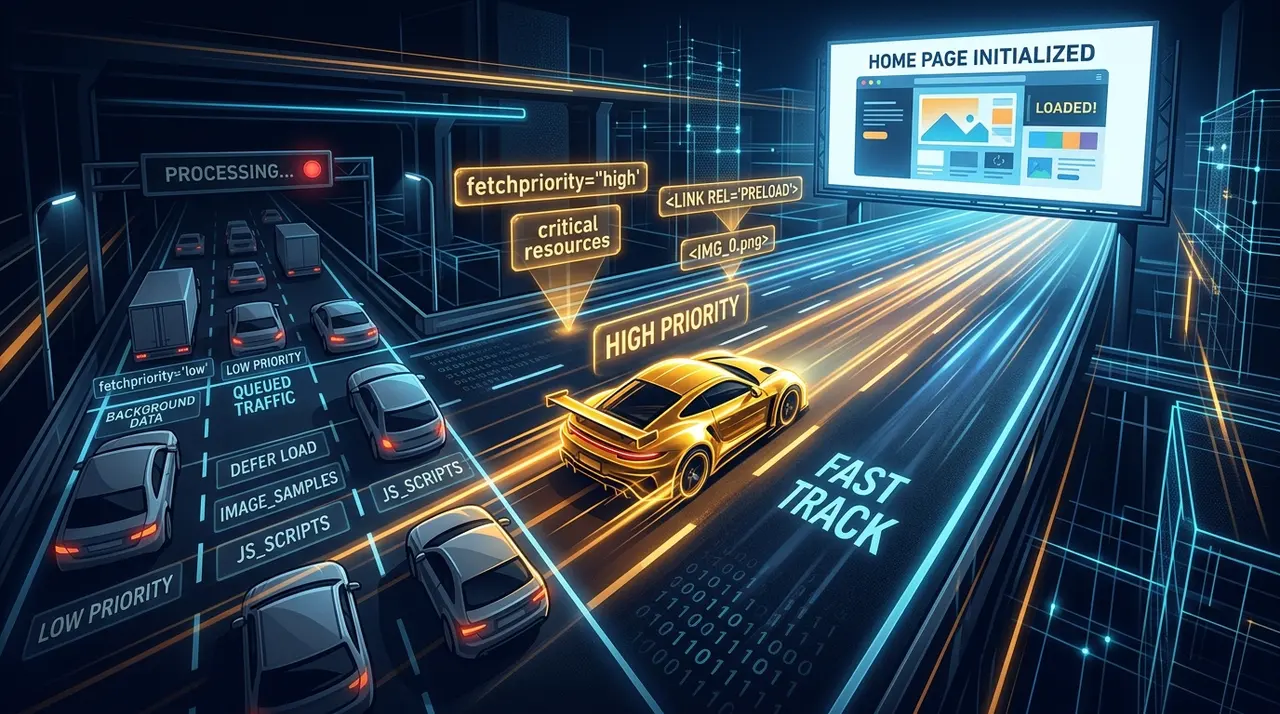
Optimizing LCP with the HTML fetchpriority attribute
Not every image on a page deserves the same loading priority from the browser's default heuristics. Here's when to mark the hero image high, and when deprioritizing the rest helps LCP more.
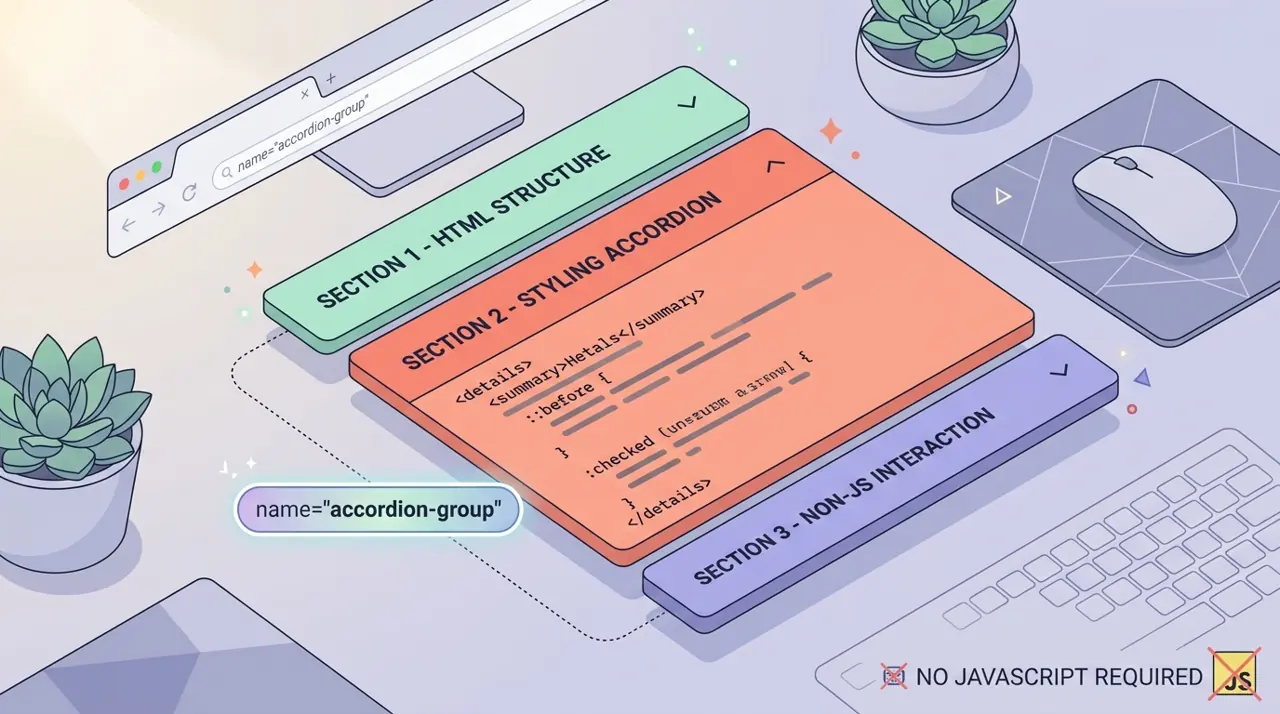
Building exclusive accordions natively with the HTML details name attribute
Accordions used to mean reaching for a JavaScript library just to track which panel was open. The details name attribute groups them like radio inputs, with zero click handlers required.