How to use Declarative Shadow DOM for server-rendered web components
Declarative Shadow DOM allows developers to attach a shadow root to a custom element using only HTML, bypassing the need for client-side JavaScript execution. This article explains how to use the shadowrootmode attribute on the <template> element to enable server-side rendering for web components. The key takeaway is how this approach eliminates layout shifts and flashes of unstyled content in component-heavy applications.
Paul Radford — Full-Stack Developer & Editor. Paul is a full-stack developer and editor of template.tips. Articles here are AI-drafted and reviewed by Paul, who knows the code well enough to catch what's wrong and cut the hype.

How to Use Declarative Shadow DOM for Server-Rendered Web Components
Declarative Shadow DOM lets a browser attach a shadow root to a custom element straight from HTML, using a <template shadowrootmode="open"> block, with zero JavaScript required. That means a web component can arrive from the server fully styled and encapsulated, render correctly on first paint, and only "wake up" for interactivity once its JS controller loads. For component-heavy sites, this is the difference between a clean first paint and a visible flash of unstyled, unshadowed markup.
What the shadowrootmode attribute actually does
Before Declarative Shadow DOM, the only way to get a shadow root onto an element was element.attachShadow({ mode: 'open' }), which is a JavaScript call. If your component's script had not run yet (still downloading, blocked by other work, or just queued behind everything else), the browser rendered the light DOM children of your custom element with no shadow tree at all. On a slow connection or a busy main thread, that's a visible flash of raw, unstyled content followed by a re-render once the shadow root attaches.
The <template> element with a shadowrootmode attribute changes this at the HTML parser level. When the parser encounters:
1<my-badge>2 <template shadowrootmode="open">3 <span>Pro</span>4 </template>5</my-badge>it does not treat this as an inert template needing manual cloning and insertion. Instead, the parser itself recognizes shadowrootmode and converts the template directly into a shadow root attached to the parent element, synchronously, during HTML parsing. No script execution, no attachShadow() call, no waiting for hydration. The shadow root exists by the time the browser paints the first frame.
The attribute accepts open or closed, mirroring the two modes available to attachShadow(). open lets outside JavaScript read element.shadowRoot; closed returns null from that property, though the element still renders correctly. In practice, almost everyone uses open. Closed shadow roots make debugging painful and rarely buy you meaningful security, since the content is still visible in DevTools regardless of mode. Mozilla's template element reference documents both modes along with the related shadowrootdelegatesfocus and shadowrootclonable attributes, which control focus delegation and whether the resulting shadow root can be cloned with importNode() or cloneNode().
A server-rendered component with encapsulated styles
Here's a realistic example: a pricing badge component rendered entirely by a server template, with styles that never leak into or out of the shadow boundary.
1<!-- Server-rendered HTML, no client JS needed for correct first paint -->2<price-badge data-tier="pro">3 <template shadowrootmode="open">4 <style>5 /* Scoped entirely to this shadow root, no global bleed */6 :host {7 display: inline-flex;8 align-items: center;9 gap: 0.4em;10 padding: 0.25em 0.75em;11 border-radius: 999px;12 background: #1e293b;13 color: white;14 font: 600 0.85rem system-ui, sans-serif;15 }16 :host([data-tier="pro"]) {17 background: linear-gradient(135deg, #7c3aed, #2563eb);18 }19 .dot {20 width: 6px;21 height: 6px;22 border-radius: 50%;23 background: #22c55e;24 }25 </style>26 <span class="dot"></span>27 <slot>Standard</slot>28 </template>29 Pro30</price-badge>3132<script type="module">33 // Optional: only needed for interactive behavior, not for styling34 // or structure, which are already correct on first paint.35 class PriceBadge extends HTMLElement {36 connectedCallback() {37 // shadowRoot already exists here, attached by the parser.38 // No attachShadow() call, no re-render, no layout shift.39 this.addEventListener('click', () => {40 this.dispatchEvent(new CustomEvent('badge-click', { bubbles: true }));41 });42 }43 }44 customElements.define('price-badge', PriceBadge);45</script>Notice the plain text Pro sitting outside the <template> but inside <price-badge>. That's the fallback content for browsers without Declarative Shadow DOM support and it also becomes the slotted content once the shadow root is live, because the <slot> in the template picks it up. This dual-purpose markup is one of the neatest parts of the spec: you're not writing a separate no-JS fallback, you're writing the light DOM content a shadow-DOM-aware browser expects anyway.
How does this differ from calling attachShadow()?
The traditional pattern looks like this:
1// Client-side only. Nothing renders correctly until this executes.2class PriceBadge extends HTMLElement {3 constructor() {4 super();5 const shadow = this.attachShadow({ mode: 'open' });6 shadow.innerHTML = `7 <style>8 :host { display: inline-flex; /* ...same styles... */ }9 </style>10 <span class="dot"></span>11 <slot>Standard</slot>12 `;13 }14}15customElements.define('price-badge', PriceBadge);Functionally, the end state is identical: a shadow root with scoped styles and a slot. But the timeline is different. With attachShadow(), the sequence is: HTML parses, custom element is registered as an unknown element, browser downloads and parses JS, constructor runs, shadow root attaches, styles apply, layout recalculates. On a component-heavy page with dozens of custom elements, that's dozens of individual re-layouts happening in a staggered wave as each element's JS loads and runs. That's your flash of unstyled content, and if the shadow content changes the element's box dimensions, it's also your layout shift.
With Declarative Shadow DOM, the sequence is: HTML parses, shadow root attaches synchronously as part of parsing, styles apply, first paint already reflects final layout. JavaScript, if it loads at all, only adds behavior on top of an already-correct render. This is precisely the mechanism web.dev's article on Declarative Shadow DOM walks through in more detail, including how server frameworks can generate this markup automatically via getInnerHTML({ includeShadowRoots: true }) on the client for testing, or via SSR renderers on frameworks like Lit or Enhance.
The payload-versus-execution trade-off
This isn't a free upgrade. You're moving cost from client-side JavaScript execution time into raw HTML payload size, and that trade-off matters differently depending on your situation.
Every instance of a repeated component now ships its own copy of the <template> markup, styles included, because Declarative Shadow DOM has no built-in deduplication across instances. If you render 50 product cards on a page and each one repeats the same 40 lines of scoped CSS inside its own <template shadowrootmode="open">, that's 2,000 lines of near-identical style text hitting the wire, uncompressed in the DOM even though gzip or brotli will compress the repetition on the network fairly well since it's highly repetitive text. The bytes over the wire compress nicely; the bytes the browser has to parse and hold in memory as duplicated style rules per shadow root do not benefit from that compression at parse time.
Compare that to a single <style> tag in <head> referencing a class name reused by 50 cards using light DOM, which is dramatically smaller but gives up style encapsulation entirely.
The rule of thumb I use:
- Few, large, unique components (a site header, a complex data table, a video player): Declarative Shadow DOM is close to free. One instance, one style block, and you get instant correct paint with no measurable payload penalty.
- Many, small, repeated components (product cards, tag chips, avatar stacks in the hundreds): the duplicated <style> block per instance adds up. Measure it. If your grid renders 200 avatar badges, consider adopting adoptedStyleSheets via a small hydration script that shares a single CSSStyleSheet object across all shadow roots after the fact, trading a little bit of JS execution back in exchange for not repeating the CSS text hundreds of times.
There's also a real cost on the JS side that's easy to overlook: even though the shadow root exists, your custom element class still needs to run customElements.define() for the element to become "upgraded" and gain any interactive behavior, event listeners, or reactive attribute handling. Declarative Shadow DOM buys you correct static rendering, not full hydration-free interactivity. If your component's only job is to look right (a badge, a styled quote block, a status pill) you might not need to ship the class at all. If it needs to respond to clicks or manage internal state, you still need the JS, just later and with no visual penalty while it loads.
Browser support and the polyfill you actually need
As of early 2026, Declarative Shadow DOM ships natively in Chrome and Edge (since Chrome 90 for the older, differently-named shadowroot attribute, and unprefixed shadowrootmode since Chrome 111), Safari 16.4 and later, and Firefox since version 123. Check current numbers on caniuse.com before you ship, particularly if you support enterprise environments still pinned to older Firefox ESR builds or older Safari on iOS, where declarative shadow DOM support arrived later than the desktop equivalents.
For the gap, the fix is not a heavy polyfill library. It's a five-line walk of the DOM that converts any <template shadowrootmode> the parser left inert (because the browser didn't understand the attribute) into a real shadow root manually:
1// Minimal polyfill: run this before any component code that2// depends on shadowRoot existing. Safe to run even on browsers3// that already support the feature natively, since it skips4// templates that were already converted by the parser.5(function polyfillDeclarativeShadowDOM(root = document) {6 root.querySelectorAll('template[shadowrootmode]').forEach((template) => {7 const mode = template.getAttribute('shadowrootmode');8 const host = template.parentNode;9 // If the parser already handled this natively, shadowRoot10 // will exist and the template will have been removed.11 if (host.shadowRoot) return;12 const shadowRoot = host.attachShadow({ mode });13 shadowRoot.appendChild(template.content);14 template.remove();15 });16})();Run this synchronously as an inline <script> placed immediately after the affected markup, not deferred and not as an external module, or you reintroduce the exact flash-of-unstyled-content problem you're trying to eliminate. It's also worth noting this polyfill doesn't handle nested declarative shadow roots (a template inside a template inside a shadow root) without a recursive pass; if you're nesting components three levels deep, walk shadowRoot.querySelectorAll recursively rather than relying on a single top-level query.
When to skip this entirely
If your components are purely client-rendered from a SPA framework with no meaningful SSR step, Declarative Shadow DOM adds complexity for no payoff since there's no first-paint gap to close. It also doesn't help with layout shift caused by asynchronous data (a product price that loads after an API call), only with the shift caused by styling and structure lagging behind JS execution. And if you're using Shadow DOM for style isolation but your components are genuinely tiny and numerous, sometimes the honest answer is to drop shadow DOM for that specific case and use a naming convention or CSS Modules-style scoping instead, accepting weaker encapsulation in exchange for a single shared stylesheet.
For everything else, server-rendered components with real visual weight, this is one of the few web platform additions in the last few years that removes a whole category of bug (the FOUC-on-custom-elements flash) rather than just making the existing workaround slightly more convenient.
Related Articles
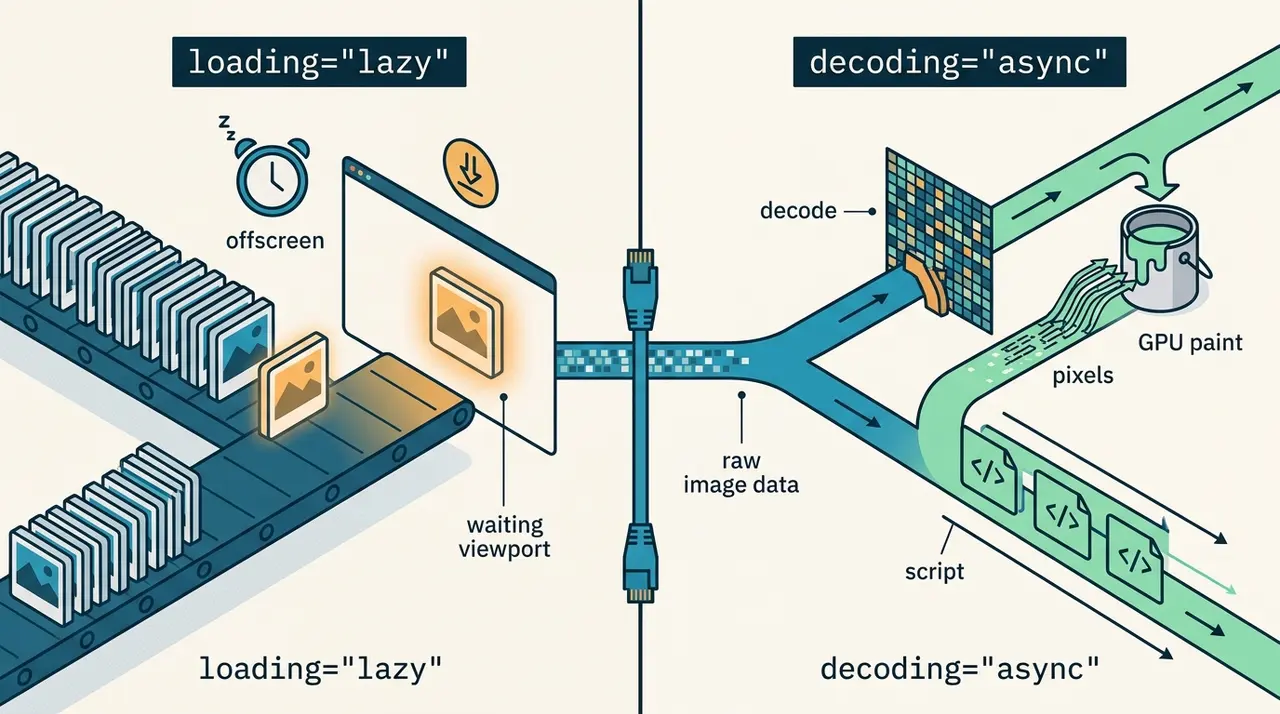
The difference between image loading lazy and decoding async in HTML
Clarifies the distinct performance roles of the loading and decoding attributes on HTML images. Explains when to defer network requests versus when to defer main-thread image decoding.

Optimizing LCP with the HTML fetchpriority attribute
Not every image on a page deserves the same loading priority from the browser's default heuristics. Here's when to mark the hero image high, and when deprioritizing the rest helps LCP more.
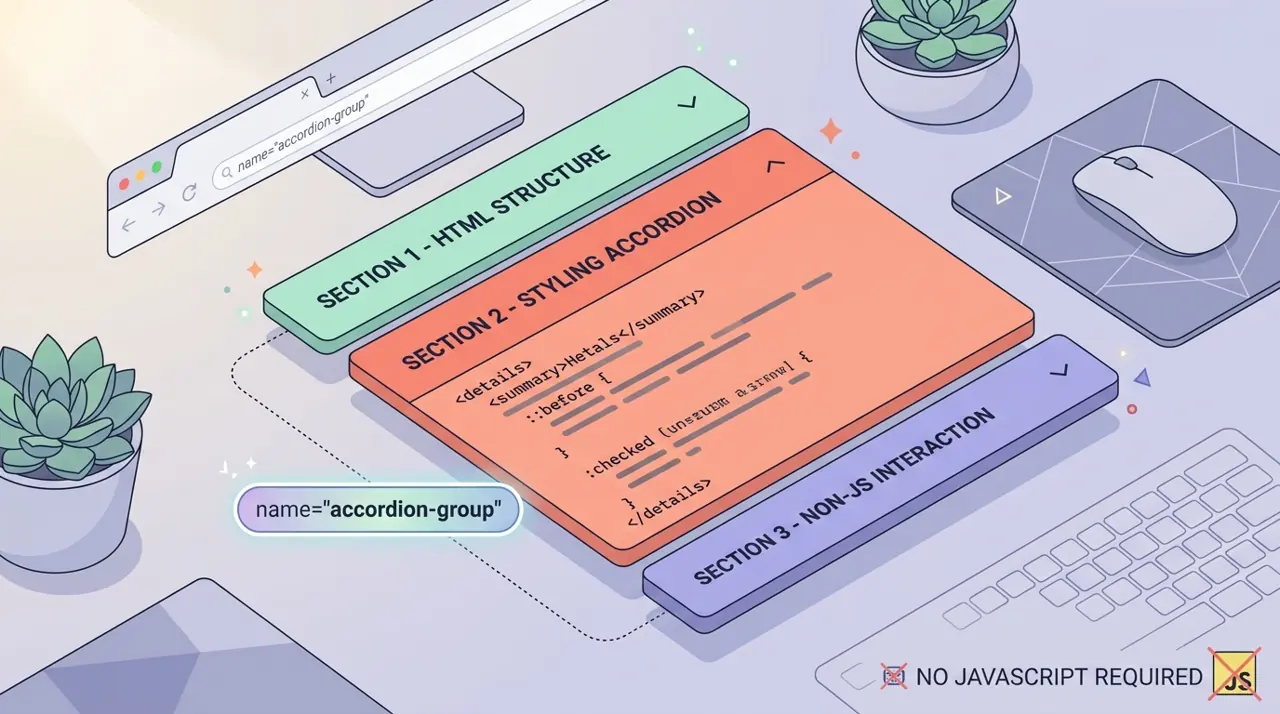
Building exclusive accordions natively with the HTML details name attribute
Accordions used to mean reaching for a JavaScript library just to track which panel was open. The details name attribute groups them like radio inputs, with zero click handlers required.