Custom List Markers with @counter-style: Beyond Bullet Points
Custom List Markers with @counter-style: Beyond Bullet Points
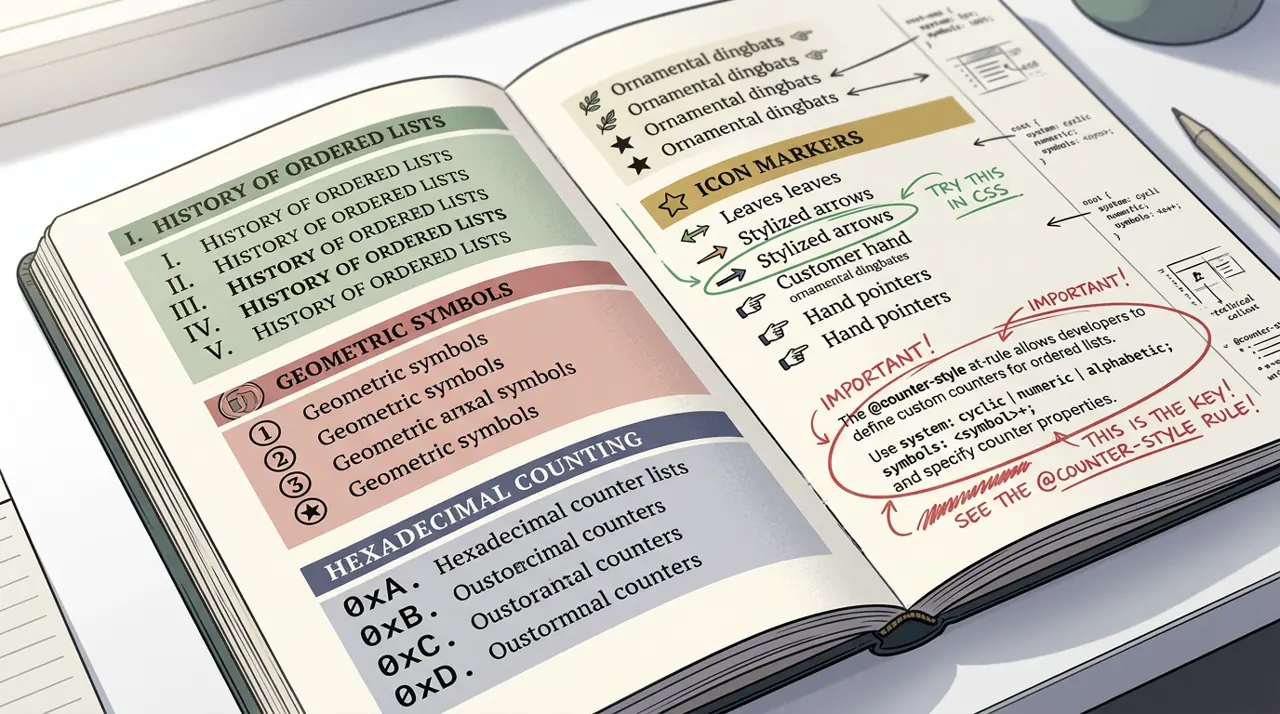
The @counter-style CSS rule lets you define reusable, named counter systems with custom glyphs, numbering algorithms, prefixes, suffixes, and fallback behavior, giving you far more control over list markers than list-style-type presets or generated content hacks ever allowed.
Most developers reach for content: counter() on pseudo-elements the moment they need anything beyond a disc or a decimal number. That works, but it throws away semantics: screen readers stop announcing list position, and you lose the automatic increment/reset logic that native list markers get for free. @counter-style fixes that gap. It is a real CSS at-rule, standardized by the CSS Counter Styles Level 3 spec, that plugs directly into list-style-type and ::marker while keeping the list semantics intact.
This article walks through what the rule can actually do, where it breaks down, and how to decide between it and the older generated-content approach.
What Problem Does @counter-style Actually Solve?
Before this rule existed, custom markers meant one of two things: a small set of built-in keywords (decimal, upper-roman, disc, square, and a few dozen others), or manually faking markers with ::before pseudo-elements and CSS counters. The built-in keywords are fine until a design calls for something like double-parenthesized numbers, a custom emoji sequence, or a numbering system for a language script that CSS does not ship natively.
@counter-style lets you author that system once, name it, and reuse it anywhere list-style-type accepts a value, including on <ol>, <ul>, and any element you assign display: list-item. Because it hooks into the marker box rather than replacing it with generated content, assistive technology that understands list semantics keeps working.
1/* Define a counter style that wraps numbers in double parentheses */2@counter-style double-parens {3 system: numeric;4 symbols: ";0" "1" "2" "3" "4" "5" "6" "7" "8" "9";5 suffix: ";) ";6 prefix: ";((";7}89ol.legal-clauses {10 list-style: double-parens;11}That single rule replaces what used to require a counter-reset, a counter-increment, and a ::before selector duplicated across every list variant in the codebase.
How Do You Pick a Numbering System That Fits the Content?
The system descriptor is where most of the design decisions happen, and picking the wrong one produces subtly broken output rather than an obvious error.
- cyclic repeats the symbol list endlessly, good for bullet-style markers with more than one glyph (alternating icons, for example).
- numeric treats the symbols as digits in a positional system, which is what you want for anything number-like, including non-Arabic digit sets.
- alphabetic cycles through letters the way lower-alpha does, but with symbols you supply.
- symbolic cycles through a symbol set and repeats symbols to represent higher numbers (think Roman numeral style growth), distinct from fixed, which stops assigning symbols once the list runs out and falls back.
- additive is for genuinely additive numbering systems like Roman numerals, where you supply weighted symbol pairs.
- extends lets you inherit the algorithm of an existing style (built-in or custom) while overriding only prefix, suffix, or range.
Here is an additive system built the hard way, useful when a design brief literally asks for Roman numerals with a custom suffix:
1/* Roman-numeral-like additive counter with a custom separator */2@counter-style roman-with-dash {3 system: additive;4 range: 1 3999;5 additive-symbols:6 1000 "M",7 900 "CM",8 500 "D",9 400 "CD",10 100 "C",11 90 "XC",12 50 "L",13 40 "XL",14 10 "X",15 9 "IX",16 5 "V",17 4 "IV",18 1 "I";19 suffix: "; - ";20}Getting the weight order wrong (say, listing 90 before 100) will not throw an error. It will silently produce incorrect numerals for certain values, so test the full range you intend to support, not just the first ten items.
Fallback Behavior Nobody Reads Until Something Breaks
Every counter style needs a fallback descriptor, and if you omit it the default fallback is decimal. This matters most with fixed systems, which run out of symbols once your list exceeds the symbol count you defined. Past that point, every remaining item silently switches to the fallback style, which can look like a bug in code review when it is actually spec-compliant behavior.
1/* Fixed system: only 3 custom symbols, everything after falls back */2@counter-style tri-state {3 system: fixed;4 symbols: ";✓" "✗" "◐";5 fallback: upper-roman;6 suffix: "; ";7}89ul.status-list {10 list-style: tri-state;11}If status-list has five items, items four and five render as IV and V because the fixed symbol pool ran dry. That is correct per the CSS Counter Styles spec's fallback rules, but it will surprise anyone who assumed fixed behaves like cyclic.
Styling the Marker Box, Not Just the Symbol
@counter-style controls what character sequence gets generated. To control spacing, color, or size of that marker independently from the list item text, pair it with ::marker. This combination is where custom counters start feeling genuinely native rather than bolted on.
1@counter-style bracket-numbers {2 system: numeric;3 symbols: ";0" "1" "2" "3" "4" "5" "6" "7" "8" "9";4 prefix: ";[";5 suffix: ";] ";6}78ol.api-steps {9 list-style: bracket-numbers;10}1112ol.api-steps: :marker {13 color: #0a6cff;14 font-weight: 700;15}::marker accepts a fairly narrow property list (mostly font, color, and content-adjacent properties), so do not expect to set margin or background on it directly. If you need a background behind the marker, you are back to generated content or a wrapping element, which is one of the real limits of this approach.
Where This Falls Apart
@counter-style is not a universal replacement for every generated-marker trick. A few concrete limits worth knowing before you commit a design to it:
Support is solid in Chromium-based browsers and Firefox, but Safari lagged for years and only shipped support in Safari 17 (released in 2023). If your audience includes a meaningful share of older Safari or WebKit-based embedded browsers, you need a tested fallback, not just a fallback descriptor, because unsupported browsers ignore the whole @counter-style rule and drop back to decimal or the browser default, not to your intended fallback chain. Check current numbers on caniuse before shipping to a broad audience.
Complex glyph composition, like combining an image icon with a number inside the same marker, is outside what @counter-style symbols support. Symbols are strings, not arbitrary markup, so if you need an <img> or SVG inline with the counter text, you are back to ::before generated content or a flex layout with a separate counter element.
RTL and vertical writing modes interact with counter styles in ways that are easy to miss in testing if your team only tests LTR horizontal layouts. The spec defines directionality per system type, but visually verifying it in an RTL locale is the only reliable check.
Testing It for Real
Do not trust a single browser preview. Build a small test page with at least three list variants (a short list under your symbol count, a list that exceeds a fixed system's pool, and a list with a single item) and check it in the actual browser matrix your analytics say matters, including whichever Safari version your traffic report shows as most common. Toggle prefers-reduced-motion and forced-colors mode too, since marker color overrides can disappear under some forced-colors settings and you want to know that before a user reports it.
If your CMS or design system already has a documented list of approved marker styles, wire up the @counter-style definitions as shared tokens (a CSS file or a :root-scoped stylesheet import) rather than redefining additive-symbols per component. Counter style names are global to the stylesheet cascade like any other CSS identifier, so collisions between two components that both define roman-with-dash differently will produce genuinely confusing bugs that only show up when both components land on the same page. Reference the MDN @counter-style documentation when onboarding a teammate to this feature, since it documents every descriptor with runnable examples better than any summary here can.
Related Articles

Serving responsive background images with the CSS image-set function
While the HTML <picture> element handles responsive inline images, CSS background images have historically required complex media queries. The image-set() function allows the browser to automatically select the most appropriate background image based on screen resolution and format support.

Removing wrapper nodes from CSS Grid and Flexbox with display: contents
The display: contents property allows an element to visually disappear while its children participate directly in the parent's Grid or Flexbox layout. This article breaks down how it works, when to use it for semantic HTML, and the historical accessibility bugs you need to know.