color-mix() and Relative Color Syntax: Dynamic Color Manipulation in CSS
Sass's lighten() and mix() compute once at build time and can't react to a CSS variable or a user's live theme choice. These functions run in the browser instead, on every repaint.
Paul Radford — Full-Stack Developer & Editor. Paul is a full-stack developer and editor of template.tips. Articles here are AI-drafted and reviewed by Paul, who knows the code well enough to catch what's wrong and cut the hype.
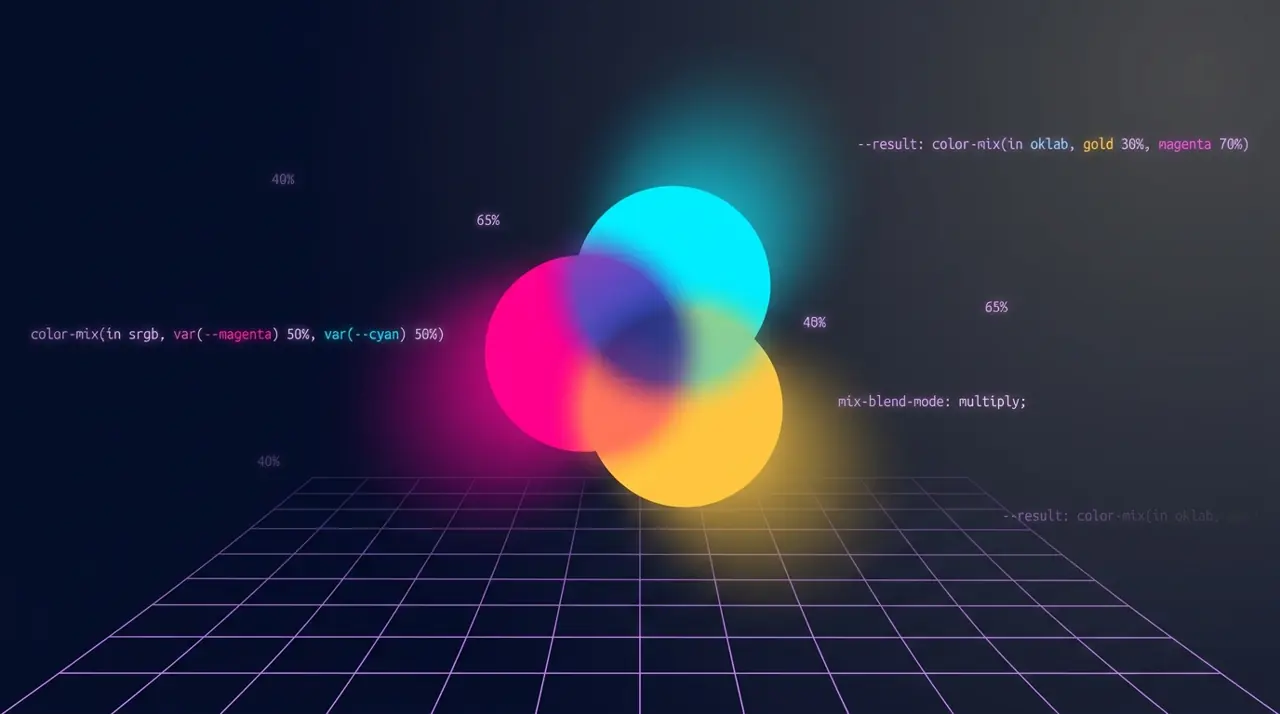
color-mix() blends two colors in a specified color space at a given ratio, while relative color syntax lets you take an existing color and adjust individual channels (lightness, saturation, alpha) without a preprocessor. Together they move color math that used to require Sass or JavaScript directly into CSS, evaluated live by the browser.
Why bother when Sass already does this
Sass functions like lighten() and mix() compute at build time. That's fine until you need color to respond to something the compiler can't see: a CSS variable set by JavaScript, a user's theme preference, or a value computed from light-dark(). Because color-mix() and relative color syntax run in the browser, they react to custom property changes, media queries, and container queries without a rebuild. You lose nothing in output size for static cases and gain a lot for dynamic ones.
The trade-off is browser support and debuggability. Sass errors show up at compile time with a clear stack trace. A malformed relative color expression just fails silently and falls back to the initial value or an invalid computed value, which is harder to spot in a large stylesheet.
Basic color-mix() syntax
1/* Blend two named colors 50/50 in the default oklab space */2.button {3 background: color-mix(in oklab, royalblue, white);4}56/* Explicit ratio: 75% tomato, 25% black, mixed in srgb */7.badge {8 background: color-mix(in srgb, tomato 75%, black 25%);9}1011/* Mixing with a CSS variable, common pattern for hover states */12.link {13 --brand: #3366ff;14 color: var(--brand);15}16.link: hover {17 color: color-mix(in srgb, var(--brand), black 15%);18}The in <color-space> clause is not optional in the sense that omitting it defaults to oklab, which surprises people expecting srgb behavior. oklab and oklch interpolate more perceptually evenly, so a 50/50 mix of blue and yellow looks like a plausible intermediate color rather than a muddy gray. If you want the classic, sometimes muddier RGB averaging that matches older Sass output, specify in srgb explicitly.
What relative color syntax actually changes
Relative color syntax lets you derive a new color from an existing one, referencing its own channels by keyword inside the function.
1/* Take a variable color and reduce lightness by 20% in oklch */2.card {3 --accent: oklch(65% 0.2 250);4 border-color: oklch(from var(--accent) calc(l - 0.2) c h);5}67/* Add transparency to any color without knowing its format ahead of time */8.overlay {9 background: rgb(from var(--accent) r g b / 0.4);10}1112/* Desaturate a color for a disabled state */13.button: disabled {14 background: hsl(from var(--accent) h calc(s * 0.3) l);15}The pattern is <color-function>(from <origin-color> <channel> <channel> <channel> [/ <alpha>]). Inside, l, c, h, r, g, b, s, a, and similar channel keywords resolve to the origin color's values in that function's color space, and you can run calc() on them. This is the part that replaces most of what people used Sass's lighten(), darken(), and adjust-hue() for, except it works on a color you don't know in advance, including one set by a design system's theme variable at runtime.
Combining both for theme-aware components
The two features compose well. A common real pattern is deriving hover, active, and disabled states from a single brand variable, without hardcoding a second palette.
1: root {2 --brand: oklch(55% 0.18 260);3}45.btn {6 background: var(--brand);7 color: white;8}910.btn: hover {11 /* Lighten slightly, still in the same color space as the source */12 background: oklch(from var(--brand) calc(l + 0.08) c h);13}1415.btn: active {16 background: oklch(from var(--brand) calc(l - 0.08) c h);17}1819.btn: disabled {20 /* Mix toward gray and drop opacity, using color-mix on the derived value */21 background: color-mix(in oklch, var(--brand), gray 60%);22 opacity: 0.6;23}This removes an entire category of maintenance work: no more parallel --brand-hover, --brand-active, --brand-disabled variables that drift out of sync when someone updates the base brand color in one place but not the others.
Where this breaks in practice
The most common mistake is clamping. oklch lightness is 0 to 1 (or 0% to 100%), but chroma has no fixed upper bound and varies by hue, so calc(c * 1.5) can push a color out of the visible gamut for the display, and browsers will clamp it to the nearest in-gamut color rather than erroring. The visual result is a color that looks flatter or shifted than you expect, with no console warning. Test any programmatic chroma or saturation boost against your actual target hue range, not just one swatch.
Another gotcha: mixing color spaces inconsistently across a component. If your base variable is defined in oklch but you write rgb(from var(--brand) ...), the browser converts color spaces first, which is legal but introduces rounding differences you may not want if you are trying to keep values numerically predictable across several related rules. Pick one working space per component and stay in it.
Alpha channel math is also easy to get wrong. color-mix() premultiplies alpha by default, meaning mixing a fully opaque color with a fully transparent one at 50/50 does not simply average the RGB channels the way you'd expect from naive linear interpolation, it accounts for the fact that the transparent color contributes no visible color information. This is generally what you want for realistic blending, but it means hand-checking a mix against a manual RGB average will show a mismatch that is not a bug.
Browser support you actually need to check
As of early 2026, color-mix() has shipped in Chrome since version 111 (March 2023), Safari since 16.4 (March 2023), and Firefox since 113 (May 2023), so it is safe for any project that doesn't need to support browsers older than roughly three years. Relative color syntax landed later: Chrome 119 (November 2023), Safari 16.4 already had partial support with fuller alignment by Safari 17, and Firefox added support in version 128 (July 2024). If your analytics show meaningful traffic from Firefox versions before 128, run a feature check.
Always verify current numbers on caniuse.com rather than trusting a fixed date, since browsers backport features into earlier point releases occasionally. @supports (color: color-mix(in oklab, red, blue)) is a reliable feature-detection query if you need a fallback path, since testing for the function name alone isn't part of the standard @supports color syntax.
How to verify your color math is doing what you think
Don't trust the visual result alone, gradients and hover states can look "close enough" while being technically wrong. Open DevTools, select the element, and check the Computed panel in Chrome or Firefox: both resolve color-mix() and relative color expressions down to a final color value you can copy and compare against your expected output in a color picker. Firefox's color picker in DevTools will also show you the resolved OKLCH values directly, which is the fastest way to confirm a calc() on the lightness channel landed where you expected.
For anything shipping to production, write a tiny visual regression test (a static HTML page with each derived state side by side) rather than relying on manual inspection across browsers, since the interpolation differences between oklab, oklch, and srgb are subtle enough to slip past a quick glance but obvious in a diff. This matters more for design systems than one-off pages: once a dozen components derive their states from the same brand variable, a rounding difference introduced by switching one component's color space silently breaks visual consistency across the whole product.
Read the MDN reference for color-mix() and the CSS Color Module Level 5 spec on relative colors before committing to a color space for a design system, the choice affects every derived value downstream and is expensive to change later.
Related Articles

Adapting UI components for Windows High Contrast mode using forced-colors
A styled checkbox that renders as a completely empty box is almost always a Windows contrast theme your CSS never accounted for. Here's how to detect that mode and restore visibility.

Enhancing Accessibility with prefers-contrast: Beyond Light and Dark Modes
Shipping a dark theme isn't the same thing as solving contrast accessibility for users with low vision. prefers-contrast composes with prefers-color-scheme instead of replacing it outright.

light-dark(): The Simplest Way to Handle Color Mode Switching
Forty color tokens duplicated inside a prefers-color-scheme media query block is forty places to miss an override somewhere. light-dark() collapses that pattern into one line per property.