Writing Direction-Agnostic Layouts with CSS Logical Properties
Shipping a dir='rtl' version of a site used to mean mirroring every margin-left and padding-right declaration by hand. Logical properties make direction-awareness the rendering engine's job.
Paul Radford — Full-Stack Developer & Editor. Paul is a full-stack developer and editor of template.tips. Articles here are AI-drafted and reviewed by Paul, who knows the code well enough to catch what's wrong and cut the hype.
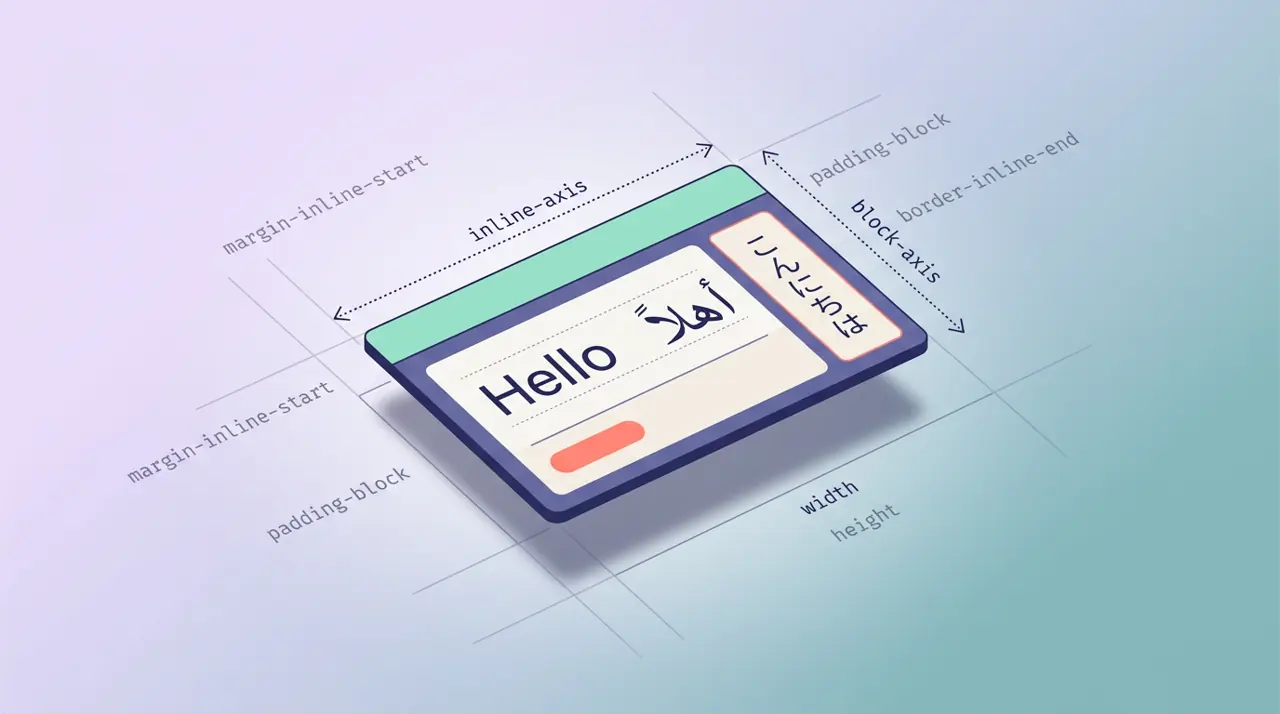
CSS logical properties let you define spacing, sizing, and positioning relative to the flow of text (block and inline direction) instead of fixed physical directions (top, right, bottom, left). This means a single stylesheet can adapt automatically to left-to-right, right-to-left, and vertical writing modes without duplicated, direction-specific overrides.
What problem are logical properties actually solving?
If you have ever shipped a dir="rtl" version of a site, you know the pain: every margin-left, padding-right, and border-left needs a mirrored twin. Teams typically solve this with one of three bad options: duplicate stylesheets, a [dir="rtl"] override cascade that grows unmanageable, or a CSS-in-JS utility that flips values at build time. All three add maintenance weight and all three are easy to forget when someone adds a new component six months later.
Logical properties remove the need for any of that by making direction awareness a property of the browser's rendering engine, not your code. margin-inline-start means "the margin at the start of the inline direction," which is the left edge in English and the right edge in Arabic, automatically. You write it once.
This is not a niche concern either. Roughly a quarter of the web's population reads a right-to-left script as a primary language, and vertical writing modes are standard in Japanese editorial design. If your site or component library is meant to be reused across locales, logical properties are the difference between "it just works" and "someone opens a bug ticket in Hebrew."
Physical vs logical: a direct mapping
The physical properties you already know all have logical equivalents. The mental model has two axes:
- Block axis: the direction blocks stack (normally top to bottom in horizontal writing modes)
- Inline axis: the direction text flows within a line (normally left to right, or right to left)
1/* Physical properties: assume LTR, break under RTL or vertical writing modes */2.card-old {3 margin-top: 1rem;4 margin-right: 1.5rem;5 padding-left: 2rem;6 border-left: 3px solid #333;7 text-align: left;8}910/* Logical equivalents: adapt automatically to writing direction */11.card-new {12 margin-block-start: 1rem; /* was margin-top */13 margin-inline-end: 1.5rem; /* was margin-right in LTR */14 padding-inline-start: 2rem; /* was padding-left in LTR */15 border-inline-start: 3px solid #333; /* was border-left in LTR */16 text-align: start; /* was text-align: left */17}Note that start and end are not synonyms for "left" and "right." They are resolved against the writing mode and direction of the element, which is why the same class works unmodified when you flip dir on the html element.
How do you handle sizing, not just spacing?
Width and height also have logical counterparts: inline-size and block-size. In horizontal writing modes these map to width and height, but the mapping flips in vertical writing modes, which matters if you support Japanese or Mongolian vertical text layouts.
1/* A sidebar that stays a fixed size along the inline axis2 regardless of writing mode */3.sidebar {4 inline-size: 280px; /* width in horizontal-tb, height in vertical-tb */5 block-size: 100%; /* height in horizontal-tb, width in vertical-tb */6 min-inline-size: 200px;7 max-inline-size: 320px;8 overflow-block: auto; /* logical overflow, still limited support, see below */9}overflow-block and overflow-inline exist in the spec but have inconsistent support as of early 2026; test before relying on them and fall back to overflow-y/overflow-x with a feature check if needed. The size and margin logical properties, by contrast, are safe everywhere: Chrome, Firefox, and Safari have supported the core inset, margin, padding, and sizing logical properties since roughly 2019 to 2021 depending on the property, and current usage data on caniuse confirms broad support across all major evergreen browsers.
Positioning without top, right, bottom, left
position: absolute and fixed elements get logical inset properties too: inset-block-start, inset-inline-end, and the shorthand inset.
1/* A close button pinned to the "end" corner,2 which is top-right in LTR and top-left in RTL */3.close-button {4 position: absolute;5 inset-block-start: 0.5rem;6 inset-inline-end: 0.5rem;7}89/* Shorthand: block-start, inline-end, block-end, inline-start */10.tooltip {11 inset: 10px 20px 10px 20px; /* still physical order in the shorthand! */12}Careful with that last example: the four-value inset shorthand still follows the same order convention as top right bottom left, but interpreted logically as block-start inline-end block-end inline-start. It is easy to assume the shorthand is direction-safe by name alone and then get confused when the visual result does not match your mental model in an RTL context. Test shorthand usage specifically; longhand logical properties are less ambiguous and I default to them in shared component libraries for that reason.
Where logical properties fall short
Logical properties are not a universal replacement for physical ones, and treating them as one causes its own bugs.
Gradients and transforms do not have logical equivalents. linear-gradient(to right, ...) and transform: translateX() are still physically anchored. If you need a gradient or a transform to flip under RTL, you have to handle it explicitly, either with a :dir(rtl) selector or a CSS custom property that flips sign based on direction.
1/* Transforms need manual direction handling */2.arrow-icon {3 --flip: 1;4 transform: scaleX(var(--flip));5}67[dir="rtl"] .arrow-icon {8 --flip: -1;9}Physical properties are sometimes correct on purpose. A drop shadow that should always fall toward the bottom-right regardless of text direction, or a decorative background image with a fixed physical orientation, should stay physical. Do not logical-ify everything reflexively; ask whether the property's meaning is tied to text flow or to visual physics. Shadows and most box-shadow/filter: drop-shadow() offsets fall into the "keep it physical" camp.
Grid and flexbox already have inline/block awareness baked in, so justify-content and align-items behave logically without any extra work, but explicit grid-template-columns tracks are still physically ordered left to right in the source, and direction: rtl reverses column painting order rather than your authored track list. This trips people up constantly: your grid item order in the DOM and your visual order can diverge in ways that are hard to debug without opening devtools and checking computed direction.
Border-radius has logical corner properties (border-start-start-radius, etc.) but they are verbose and rarely necessary unless you are building an asymmetric shape that must mirror under RTL, such as a speech bubble with a tail.
A practical migration approach
Rather than doing a blanket find-and-replace across a mature codebase, which risks silently breaking visual regression tests, migrate by component boundary. Start with layout primitives (containers, cards, list items) where spacing and sizing dominate. Leave gradient-heavy decorative components and icon transforms for a second pass where you can test them against an actual RTL locale, not just a mirrored preview.
Two things make this migration verifiable rather than a leap of faith. First, set dir="rtl" on a test page or on html temporarily and visually diff against the LTR version; anything that fails to mirror is either using a physical property that should be logical, or a decorative element that correctly stayed physical. Second, check the MDN logical properties reference against your actual browser support matrix if you still support anything older than five years old; the CSS Working Group's logical properties specification is also worth reading directly if you hit an edge case around overflow or float, since browser implementations occasionally lag the spec text there.
Once the migration is done, the real payoff shows up the next time someone asks for a Hebrew or Arabic version of the product: instead of a multi-week RTL retrofit, you are mostly done already, and the remaining work is limited to the handful of physically-anchored properties you deliberately left alone.
Related Articles
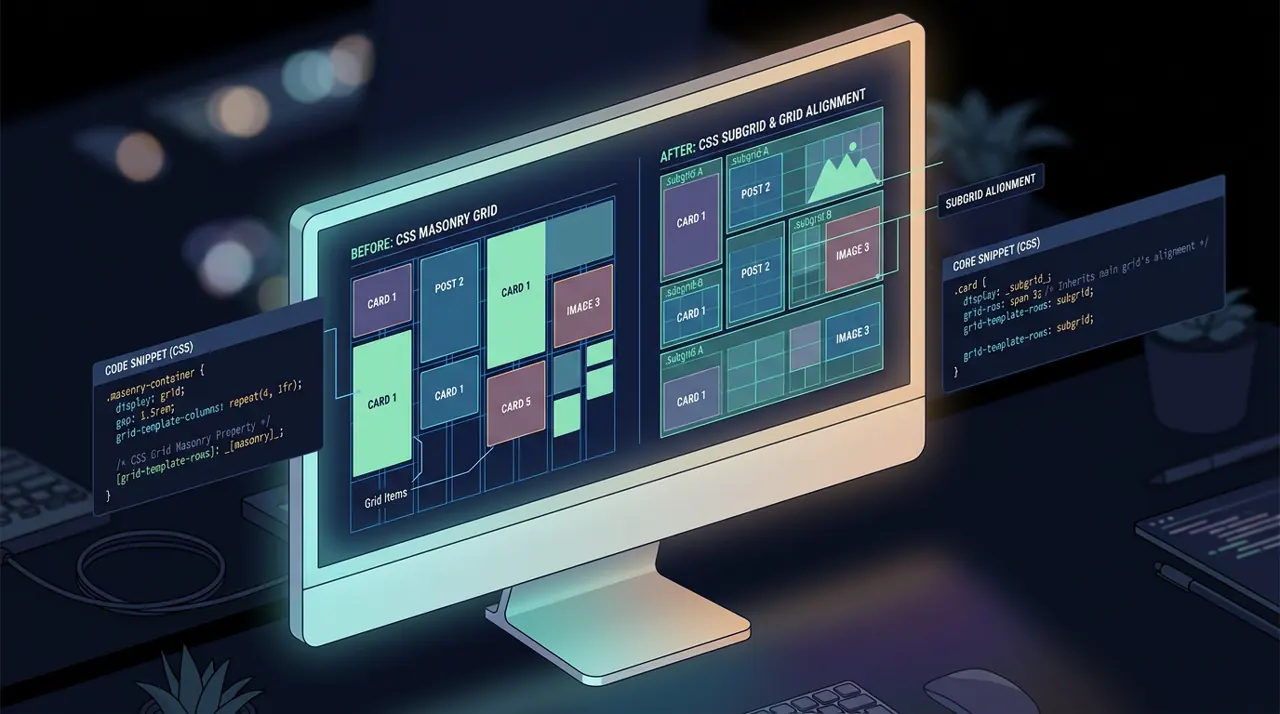
Building Layout Algorithms with subgrid and Masonry
Card headers and footers that refuse to line up across a grid, or a gallery with wildly uneven image heights, need two different layout algorithms. Here's which one solves which problem.
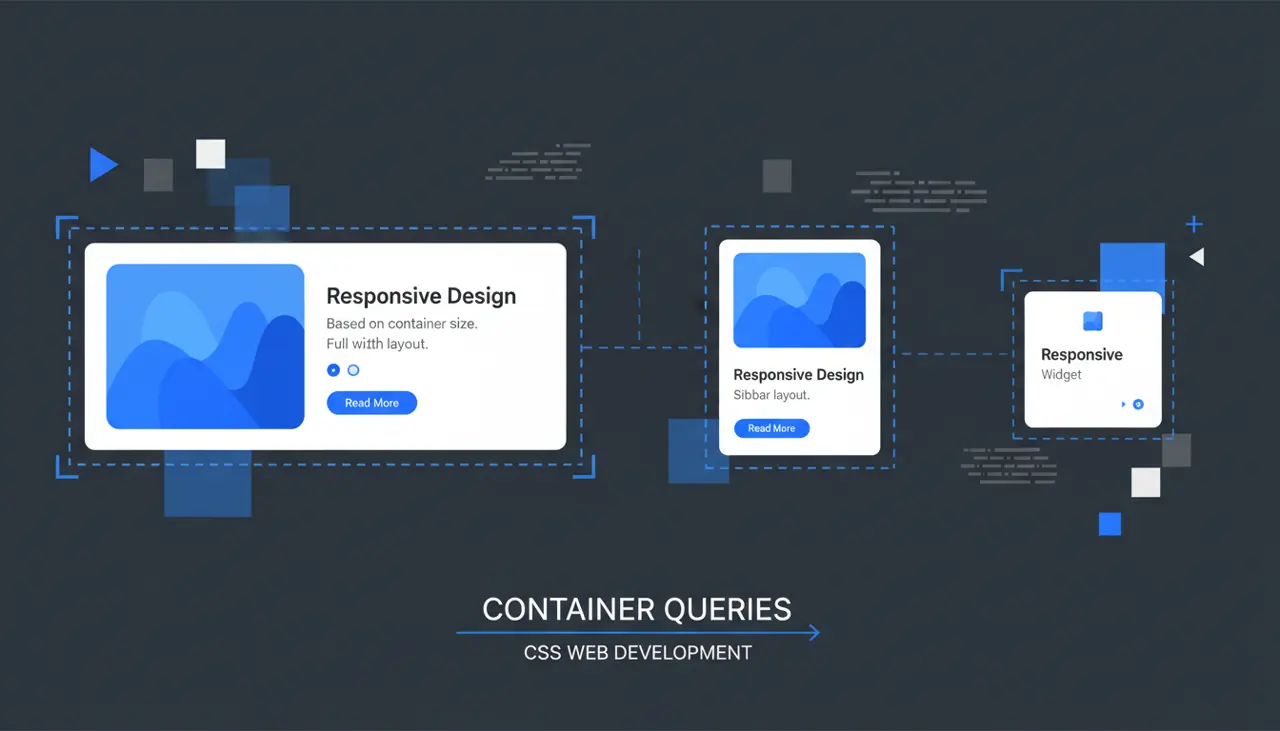
Container Queries in Practice: Contextual Responsive Design
Media queries only ever answer one question: how wide is the browser window? Container queries answer a different one, and it's the one that actually matters for reusable components.

Anchor Positioning in Production: Beyond the Demo
Popper and Floating UI measure both elements on every scroll and resize event before writing inline styles. Anchor positioning moves that calculation into the browser's own layout engine.