View Transitions API: Effortless Page Animations Without JavaScript
One JavaScript call, or none at all for cross-document navigations, replaces hand-rolled FLIP animations built from getBoundingClientRect() and transforms.
Paul Radford — Full-Stack Developer & Editor. Paul is a full-stack developer and editor of template.tips. Articles here are AI-drafted and reviewed by Paul, who knows the code well enough to catch what's wrong and cut the hype.
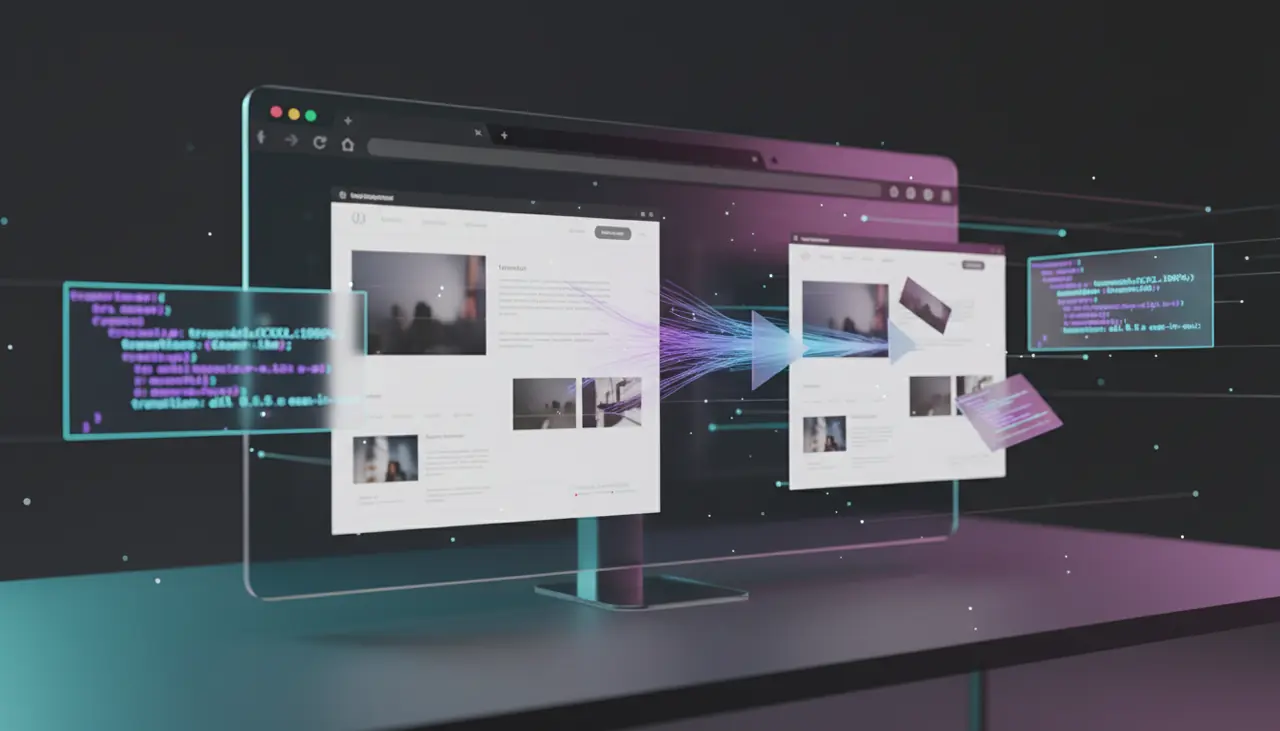
The View Transitions API lets browsers animate changes between two DOM states, including full page navigations, by automatically capturing before-and-after screenshots and cross-fading or morphing between them. You write a few lines of CSS and one JavaScript call (or none at all for cross-document navigations), and the browser handles the capture, animation, and cleanup.
What Problem Does This Actually Solve?
Before this API existed, animating a route change meant one of two bad options. Either you built a single-page app, tracked old and new DOM nodes yourself, and hand-rolled FLIP animations with getBoundingClientRect() and CSS transforms, or you accepted the jarring instant swap that every multi-page site has shipped since 1995.
The View Transitions API removes the manual bookkeeping. The browser takes a screenshot of the old state, lets the DOM update, takes a screenshot of the new state, and then runs a CSS animation between the two. You get a smooth crossfade by default, and if you name elements with view-transition-name, the browser produces a morph animation between matched elements instead of a flat fade.
This matters most for two use cases: same-document SPA transitions (supported in Chromium since Chrome 111, March 2023) and cross-document MPA transitions (supported in Chromium since Chrome 126, mid-2024). Firefox and Safari have been slower to ship this. As of early 2026, Firefox still has it behind experimental flags, and Safari's support is partial. Check caniuse before you commit to it as your only animation strategy.
Same-Document Transitions: The SPA Case
If you are updating the DOM with JavaScript, either through a framework or vanilla code, the API is a single method call: document.startViewTransition().
1// Wrap any DOM mutation in startViewTransition to get an automatic animation2function navigateTo(newContent) {3 // Feature-detect first: older browsers just skip the animation4 if (!document.startViewTransition) {5 updateContent(newContent);6 return;7 }89 const transition = document.startViewTransition(() => {10 // This callback must be synchronous (or return a Promise the API awaits)11 updateContent(newContent);12 });1314 // Optional: react to lifecycle events15 transition.ready.then(() => {16 // Runs after the pseudo-element tree is built, before the animation starts17 });1819 transition.finished.then(() => {20 // Runs after the animation completes and old snapshots are discarded21 });22}2324function updateContent(newContent) {25 document.querySelector('#app').innerHTML = newContent;26}The default animation is a cross-fade between old and new screenshots of the whole document. To get more interesting transitions, tag specific elements so the browser can track them individually:
1/* Give the header a stable transition name so it morphs instead of fading */2.page-header {3 view-transition-name: page-header;4}56/* Give the hero image its own named transition */7.hero-image {8 view-transition-name: hero-image;9}1011/* Customize the default animation duration and easing */12: :view-transition-old(root),13: :view-transition-new(root) {14 animation-duration: 300ms;15}1617/* Target a specific named element's animation */18: :view-transition-old(hero-image),19: :view-transition-new(hero-image) {20 animation-duration: 450ms;21 animation-timing-function: cubic-bezier(0.4, 0, 0.2, 1);22}Each named element gets its own pseudo-element pair (::view-transition-old(name) and ::view-transition-new(name)), so you can choreograph them independently. This is the mechanism behind those shared-element "hero" transitions you see in native mobile apps, now doable in three lines of CSS.
Can You Really Skip JavaScript Entirely?
Yes, for cross-document navigations, which is the scenario the title refers to. As of Chrome 126, you can animate a full page load, meaning a real navigation with a server round-trip, using only CSS and an opt-in meta tag or @view-transition rule.
1/* Add this to both the outgoing and incoming page's stylesheet */2@view-transition {3 navigation: auto;4}56/* Optional: customize the crossfade for cross-document navigation */7: :view-transition-old(root) {8 animation: 200ms ease-out fade-out;9}1011: :view-transition-new(root) {12 animation: 200ms ease-in fade-in;13}1415@keyframes fade-out {16 to { opacity: 0; }17}1819@keyframes fade-in {20 from { opacity: 0; }21}Both pages involved in the navigation need this rule for the transition to fire; it is not enough to add it to just the destination page. If either page omits it, the browser falls back to a normal, instant navigation with no animation and no error. That silent fallback is convenient for progressive enhancement but can be confusing to debug: if your transition "just doesn't work," check both documents' CSS before assuming a scripting bug.
This cross-document mode currently only works for same-origin navigations. You cannot animate a transition into a different origin, which rules out cross-site navigation animations for security reasons documented in the WHATWG HTML spec's view transitions section.
What Breaks, and Where the Gotchas Live
The biggest practical gotcha is layout thrashing during the callback. The function you pass to startViewTransition() must leave the DOM in its final, stable state by the time it resolves. If you trigger async data fetching inside that callback without awaiting it, the browser will screenshot an incomplete or flickering intermediate state.
Another one: view-transition-name values must be unique per document at the moment of capture. If two visible elements share the same name during either the "old" or "new" phase, the transition throws and silently aborts (Chrome logs a console warning). This bites people who apply a shared class-based name to list items, for example a .card { view-transition-name: card; } rule applied to a whole <ul> of cards. Every card collides. The fix is to generate unique names dynamically, often with a template literal keyed to an ID: element.style.viewTransitionName = \`card-${id}\`;.
Reduced motion is also easy to forget. The API does not automatically respect prefers-reduced-motion; you have to write the media query yourself:
1@media (prefers-reduced-motion: reduce) {2 /* Disable all view transition animations for users who asked for less motion */3 : :view-transition-group(*),4 : :view-transition-old(*),5 : :view-transition-new(*) {6 animation: none !important;7 }8}Skipping this is an accessibility regression, not just a nice-to-have, and it is the single most common oversight in demo code I have reviewed.
Finally, be aware that scroll position and focus are not automatically preserved across transitions in every browser. Test explicitly rather than assuming parity with a normal navigation, particularly for cross-document transitions where the "old" page's JavaScript context is already gone by the time the new page paints.
When Not to Reach for This API
If your primary audience is on Safari or Firefox stable in 2026, do not build a critical interaction around view transitions, because a meaningful share of users will get the plain, instant fallback. That is fine if you treat the animation as decorative progressive enhancement, and genuinely broken if your layout depends on the animated state to convey information (like an onboarding flow that assumes users saw an element fly from point A to point B).
If you need frame-by-frame control, physics-based motion, or gesture-driven interruption (drag-to-dismiss, for example), this API is the wrong tool. It gives you a start and end snapshot plus a CSS animation between them; it does not expose an animation timeline you can scrub or interrupt mid-flight the way the Web Animations API or a library like Motion One does. For anything gesture-driven, keep using JavaScript-driven animation and treat view transitions as a separate concern for route-level chrome.
How to Verify It Works Before You Ship It
Open DevTools and check the Elements panel during a transition: Chrome exposes the transition pseudo-element tree live, under a synthetic ::view-transition root, while the animation is running, so you can inspect exactly which named elements got captured and confirm there is no naming collision.
For cross-document transitions, test with the Network tab throttled to a slow connection. Because the "old" snapshot is taken right before unload and the "new" one right after the incoming page's first paint, a slow response can create an unintentionally long freeze between the two snapshots, which reads as a stall rather than an animation. If that happens, either add a lightweight loading-state view-transition-name target, or scope @view-transition { navigation: auto; } to only apply on fast, cached, same-origin routes using server-side logic, rather than globally.
Cross-browser testing matters here more than usual, given how uneven support still is. Confirm current status directly on caniuse or the MDN View Transitions API reference before launch, since both browser vendors have shipped partial and experimental implementations on different timelines, and the spec itself, tracked at W3C's View Transitions Level 1 draft, continues to evolve. Build your fallback path first, treat the animation as an enhancement layer, and you will ship something that degrades gracefully rather than something that only works in one browser family.
Related Articles
The @starting-style Rule: Triggering Entry Animations in Pure CSS
An element that pops fresh into existence has no previous computed style for a transition to reference. @starting-style gives the browser that missing starting point, in pure CSS.
CSS @property: The Missing Piece for Smooth Property Animations
A custom property is just an untyped string until you explicitly register it with the browser. Without @property, an animated angle or gradient color snaps instead of tweening through frames.
Scroll-Driven Animations: The Complete Playbook for 2026
A decade of scroll effects ran on the main thread via scroll listeners and requestAnimationFrame. This playbook covers parallax, progress bars, and reveal effects that run off it instead.