The @starting-style Rule: Triggering Entry Animations in Pure CSS
An element that pops fresh into existence has no previous computed style for a transition to reference. @starting-style gives the browser that missing starting point, in pure CSS.
Paul Radford — Full-Stack Developer & Editor. Paul is a full-stack developer and editor of template.tips. Articles here are AI-drafted and reviewed by Paul, who knows the code well enough to catch what's wrong and cut the hype.
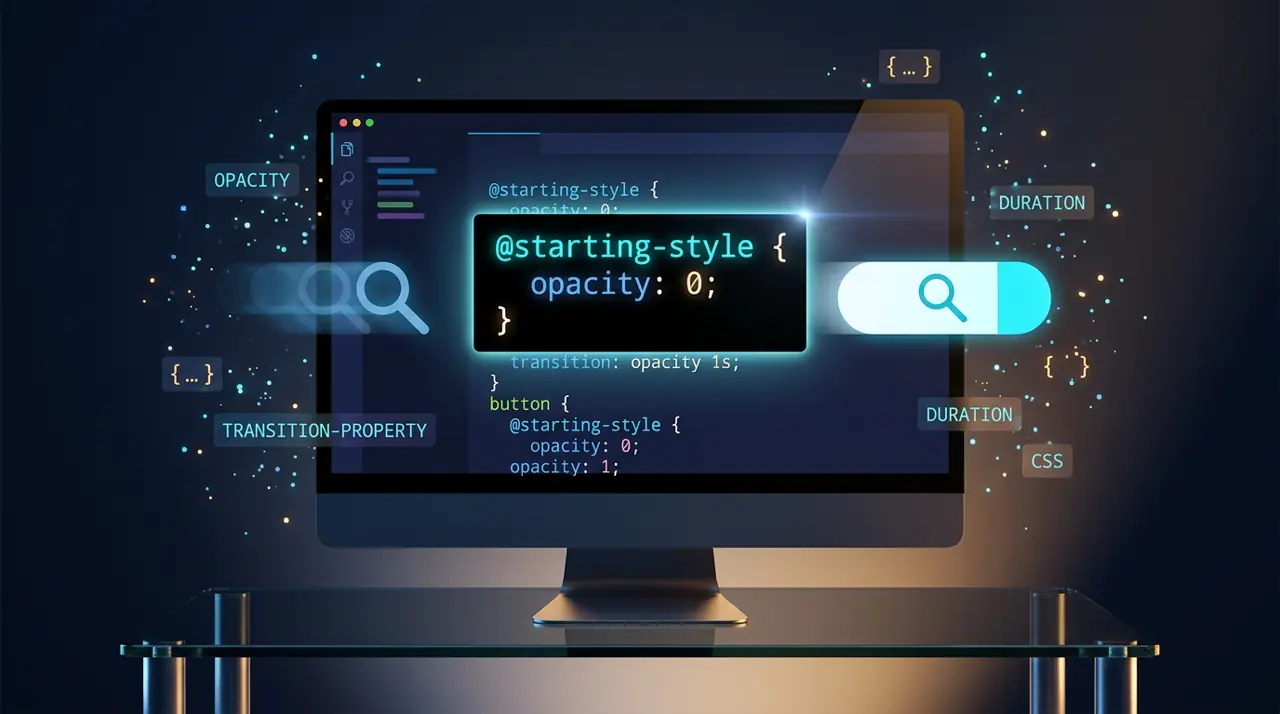
The @starting-style at-rule lets you define the "before" state for CSS transitions on elements that are just being added to the DOM or moving out of display: none, so browsers finally know what to transition from. Without it, elements that appear via display: none to block or via the top layer simply pop in, because there's no previous style for the transition engine to reference.
Why did entry animations need a new rule in the first place?
CSS transitions have always required two known style states: a starting point and an ending point. That works fine when an element already exists in the layout and you toggle a class to change its opacity or transform. The browser can see the computed style before the change and the computed style after, and it interpolates between them.
The problem shows up the moment an element is inserted fresh, or when it transitions from display: none to a visible display value, or when it enters the top layer (think <dialog>, popovers, or elements with position: fixed combined with overlay). In all of these cases, there is no "before" style to read from, because the element either didn't exist in the rendered tree a moment ago or was not paint-eligible. The browser has nothing to transition from, so it just snaps to the final state.
Developers worked around this for years with JavaScript: insert the element, force a reflow, then apply the class that triggers the transition on the next frame. That double-frame dance (requestAnimationFrame twice, or a setTimeout(0)) is fragile and adds a JS dependency to what is fundamentally a styling concern. @starting-style removes that dependency entirely by letting you declare the starting point in CSS.
What does the syntax actually look like?
@starting-style wraps a block of rules that only apply during the very first style calculation of an element, specifically before its first paint after being added to the DOM, changed from display: none, or newly rendered in the top layer. You pair it with a normal transition defined on the base rule.
1/* The element's resting, visible state */2.toast {3 opacity: 1;4 transform: translateY(0);5 transition: opacity 0.3s ease, transform 0.3s ease;6}78/* The state the browser should treat as "before this existed" */9@starting-style {10 .toast {11 opacity: 0;12 transform: translateY(12px);13 }14}When a .toast element is inserted into the DOM, the browser applies the @starting-style values first, then immediately animates toward whatever the resolved styles are (in this case, the plain .toast rule). You get a fade-and-slide-in with zero JavaScript.
You can also nest it inside an existing selector block using the @starting-style at-rule directly, which some teams prefer for locality:
1.modal {2 opacity: 1;3 transition: opacity 0.25s ease;45 /* Nested form: starting style lives next to the rule it modifies */6 @starting-style {7 opacity: 0;8 }9}Both forms are valid per the CSS Transitions Level 2 spec, which is where @starting-style is formally defined.
How do you combine it with display: none and the top layer?
This is where @starting-style earns its keep, because it was designed specifically to solve the display: none problem alongside two other CSS features: transition-behavior: allow-discrete and the overlay property for top-layer elements.
Normally, display is not an animatable property in any meaningful sense, transitioning it just snaps at the 50% mark. But if you mark display (and overlay, for top-layer elements) with transition-behavior: allow-discrete, the browser treats the property as if it flips at the very end of the transition instead of the midpoint. Combine that with @starting-style and you get a full show/hide animation with no JS:
1.popover {2 display: none;3 opacity: 0;4 transition: opacity 0.2s ease, display 0.2s allow-discrete;5}67.popover.is-open {8 display: block;9 opacity: 1;10}1112@starting-style {13 .popover.is-open {14 opacity: 0;15 }16}Here's the sequence the browser runs when you add .is-open:
- display flips from none to block immediately so the element becomes paintable.
- Before the first paint, the browser applies the @starting-style block: opacity: 0.
- The browser then transitions toward the resolved opacity: 1 from .is-open.
- Because display uses allow-discrete, it doesn't actually change to block semantics until the transition finishes in reverse (removing .is-open holds display: block for the full exit transition before switching back to none).
For native <dialog> elements and the Popover API, the same pattern applies to the overlay property, which controls top-layer membership. Chrome's documentation on entry and exit animations walks through the dialog case in detail, including the reverse direction for exit transitions.
What breaks if you skip transition-behavior?
This is the single most common mistake I see. Teams add @starting-style and expect the fade to work on a display: none toggle, but they forget transition-behavior: allow-discrete, and the display flip still happens synchronously at the wrong time. The opacity transition might technically start, but the element is visually absent because display: none still wins immediately if you're toggling it via a class swap without the discrete behavior. Always pair the two when display is part of what you're animating.
A second gotcha: @starting-style only fires on the very first frame after an element becomes rendered. If you mutate styles on an already-visible element, the rule simply does nothing, there's no "starting" event to hook into. It is not a general-purpose "reset to this value" mechanism, and treating it as one leads to confused bug reports about animations that "used to work."
Third, be careful with elements that get removed and re-added rapidly (list virtualization, toggled visibility in fast succession). Each insertion re-triggers @starting-style, which is usually what you want, but if your JS framework keys elements inconsistently, you can end up with the entry animation firing on updates that should have been no-ops. This is a component-key bug more than a CSS bug, but @starting-style will happily expose it.
Where does browser support actually stand?
As of early 2026, @starting-style ships in Chrome and Edge since version 117 (released September 2023), and in Opera on the same Chromium base. Firefox added support in version 129, released in July 2024. Safari shipped it in Safari 17.5 in May 2024. Practically speaking, this means the feature has full support across the major evergreen browsers for well over a year now, but you should still check caniuse for your specific baseline if you support older enterprise browsers or WebView versions pinned to older Chromium releases.
The bigger nuance is transition-behavior: allow-discrete, which has a slightly different support timeline and matters just as much for the display: none use case. If your target browsers lack it, the fade will still fire once you drop display: none handling and let JS or a class toggle visibility instead, since visibility transitions at the end of the interval by default in a way display never has.
For fallback strategy, treat @starting-style as progressive enhancement. Elements without support just skip straight to their final state with no transition, which is a perfectly acceptable degrade for most entry animations. Nobody notices a missing fade-in the way they'd notice a broken layout.
Testing this without guessing
Open DevTools and throttle CPU to 4x or 6x slowdown before judging whether an entry animation looks right. Fast machines hide timing bugs that show up immediately on mid-range Android hardware. In Chrome, the Elements panel's "Animations" tab will show you the actual computed starting values, which is the fastest way to confirm your @starting-style block is being read at all rather than silently ignored due to a selector mismatch.
Also test the exit path separately from the entry path. It's common to get the "in" animation right and then discover the "out" transition (removing the class, letting display revert to none) snaps instantly because the discrete transition timing wasn't mirrored. Toggle the element open and closed five or six times in a row in the live page, not just once in isolation, since repeated toggling is what surfaces the re-triggering issues mentioned above.
If you're migrating an existing modal or toast system off a JS animation library, do it component by component rather than globally. The CSS-only approach removes a real dependency and a real source of layout thrashing, but it also changes the timing model slightly (browser-driven compositing versus JS-driven frame callbacks), and users on assistive technology may need you to double check that aria-hidden and focus management still fire at the right moment relative to the animation, since those are still your responsibility and have nothing to do with @starting-style itself.
Related Articles
CSS @property: The Missing Piece for Smooth Property Animations
A custom property is just an untyped string until you explicitly register it with the browser. Without @property, an animated angle or gradient color snaps instead of tweening through frames.
Scroll-Driven Animations: The Complete Playbook for 2026
A decade of scroll effects ran on the main thread via scroll listeners and requestAnimationFrame. This playbook covers parallax, progress bars, and reveal effects that run off it instead.

View Transitions API: Effortless Page Animations Without JavaScript
One JavaScript call, or none at all for cross-document navigations, replaces hand-rolled FLIP animations built from getBoundingClientRect() and transforms.