CSS @property: The Missing Piece for Smooth Property Animations
A custom property is just an untyped string until you explicitly register it with the browser. Without @property, an animated angle or gradient color snaps instead of tweening through frames.
Paul Radford — Full-Stack Developer & Editor. Paul is a full-stack developer and editor of template.tips. Articles here are AI-drafted and reviewed by Paul, who knows the code well enough to catch what's wrong and cut the hype.
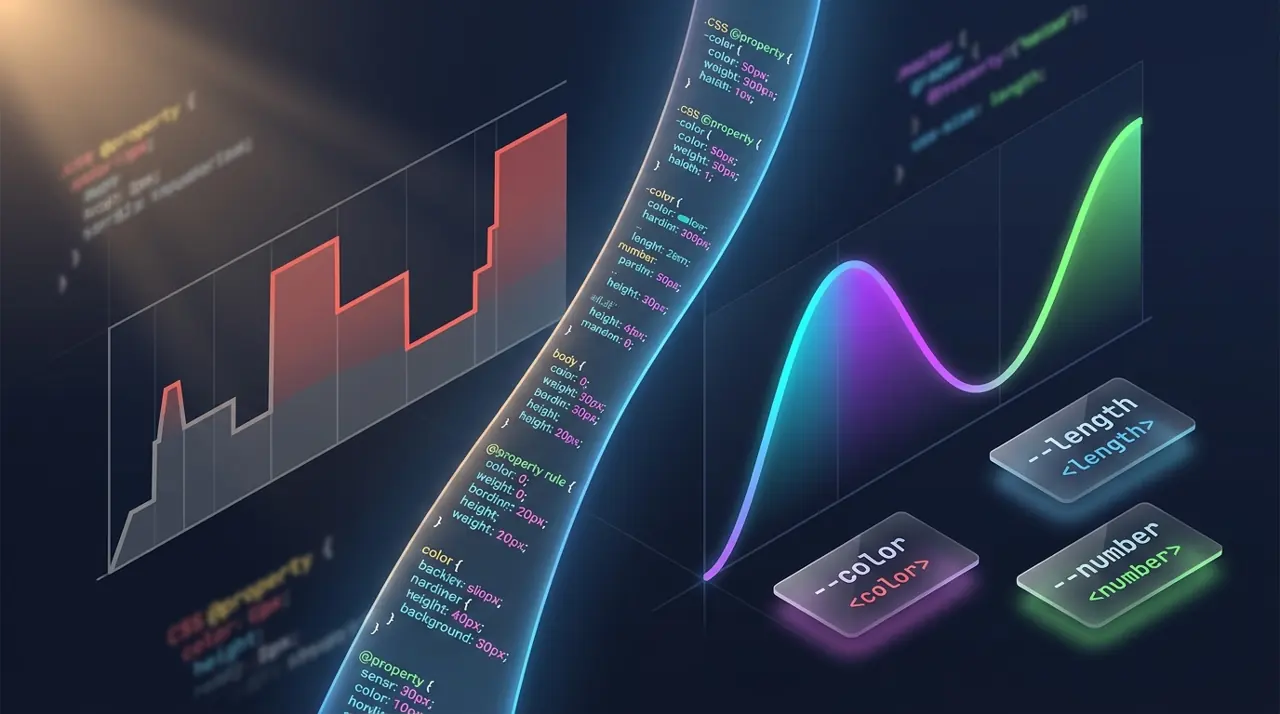
The @property rule lets you register a custom CSS property with a specific syntax, initial value, and inheritance behavior, which tells the browser how to interpolate that value during transitions and animations. Without it, custom properties are treated as opaque strings, so animating them produces instant jumps instead of smooth changes.
Why do custom property animations look broken without it?
Every CSS custom property (the --variable kind) starts life as an untyped string. When you write --angle: 45deg, the browser has no idea that 45deg is an angle. It just sees text. That's fine for static values, but it becomes a problem the moment you try to animate or transition that property.
Transitions and animations in CSS work by interpolating between two values on a defined type: numbers tween numbers, colors tween through color space, lengths tween through length units. A string cannot be interpolated. So if you try something like this:
1/* Without @property: this will NOT animate smoothly */2.card {3 --rotation: 0deg;4 transform: rotate(var(--rotation));5 transition: --rotation 0.3s ease;6}78.card: hover {9 --rotation: 25deg;10}The rotation snaps from 0deg to 25deg with no in-between frames. The browser can't tween a string it doesn't understand as an angle, so it just swaps the value at the end of the transition (or sometimes not at all, depending on how the engine handles the "discrete" interpolation fallback). This trips up a lot of developers who assume custom properties behave like any other animatable CSS value. They don't, by default.
What @property actually changes
Registering the property with @property gives the browser a typed contract. You specify a syntax (drawn from the CSS Properties and Values API spec), an initial value, and whether the property inherits:
1/* Register the custom property with a real type */2@property --rotation {3 syntax: ";<angle>";4 inherits: false;5 initial-value: 0deg;6}78.card {9 --rotation: 0deg;10 transform: rotate(var(--rotation));11 transition: --rotation 0.3s ease;12}1314.card: hover {15 --rotation: 25deg;16}Now the browser knows --rotation is an <angle>, and it can interpolate between 0deg and 25deg frame by frame, exactly like it would for a native property such as transform or opacity. The visual difference is immediate: the rotation eases in instead of teleporting.
This same mechanism is what makes conic-gradient angle animations, animated custom easing curves, and multi-stop gradient color transitions possible with pure CSS, no JavaScript, no Web Animations API workaround.
Practical syntax values you'll actually use
The syntax descriptor accepts a defined list of data types from the CSS syntax spec, and picking the wrong one is the most common mistake. Some of the ones you'll reach for constantly:
- "<number>" for unitless values like opacity multipliers or scale factors
- "<length>" for pixel/rem/em based values
- "<percentage>" for percentage based values
- "<angle>" for degrees, radians, turns
- "<color>" for animatable color stops
- "<integer>" for whole numbers
- * if you genuinely want the old untyped string behavior (rarely useful once you're registering the property at all)
You can also combine types with |, like "<length> | <percentage>", if a property legitimately needs to accept either.
Here's a gradient angle example that's a common real-world use case:
1/* Animate a conic gradient's rotation angle smoothly */2@property --gradient-angle {3 syntax: ";<angle>";4 inherits: false;5 initial-value: 0deg;6}78.spinner {9 background: conic-gradient(from var(--gradient-angle), #3b82f6, #8b5cf6, #3b82f6);10 animation: spin 2s linear infinite;11}1213@keyframes spin {14 to {15 --gradient-angle: 360deg;16 }17}Without the @property registration, this keyframe animation simply would not run. --gradient-angle would stay frozen at its computed value because the browser has no interpolation path for an untyped custom property inside @keyframes.
Where this breaks: syntax mismatches and fallback behavior
If you set a value that doesn't match the registered syntax, the property doesn't just ignore the bad value quietly. It falls back to the initial-value you declared, which can cause confusing layout bugs if you're not expecting it. For example, registering --gap as "<length>" and then accidentally setting --gap: auto somewhere in your cascade will reset it to whatever initial value you specified, not to auto, and not to whatever it "should" be contextually.
This is different from how normal (unregistered) custom properties behave, where invalid values are typically ignored and the property just keeps its previously cascaded value. The stricter behavior of @property is intentional (it's what allows the type safety that makes animation possible), but it means you need to actually think about what a sane fallback value is, rather than leaving initial-value as an afterthought.
Another gotcha: @property rules do not cascade the way you might expect. If you register --rotation twice in your stylesheet with different syntaxes, the last valid registration wins, following normal CSS rule ordering, but if there's any invalid registration in there, browsers are supposed to ignore that specific @property rule and fall back to the previous valid one (or to unregistered/untyped behavior if there was no prior valid registration). Test this in whichever browser you're targeting rather than assuming.
Browser support: what you can rely on in 2026
Support for @property is solid across current engines. Chrome and Edge have supported it since Chrome 85 (August 2020). Firefox lagged for years and only shipped support in Firefox 128 (July 2024), which matters if your analytics show a meaningful slice of users on older Firefox ESR builds. Safari added support in Safari 16.4 (March 2023). As of 2026, all major evergreen browsers support the feature, but if you have to support Firefox versions older than 128 or Safari versions older than 16.4, you'll need a fallback path.
The practical fallback is straightforward: write your base styles without relying on the animated custom property working, then treat the smooth animation as a progressive enhancement. A @supports check works well here:
1/* Fallback for browsers without @property support */2.spinner {3 background: conic-gradient(from 0deg, #3b82f6, #8b5cf6, #3b82f6);4}56@supports (background: paint(something)) or (top: 1px) {7 /* This is a weak feature detection pattern; prefer testing for @property support directly where the tooling allows it */8}In practice, most teams just accept that older browsers get a static gradient or an instant transition instead of an animated one, since @property degrades gracefully: the property still works as a plain custom property, it just won't interpolate. There's no error, no console warning, nothing breaks. It's one of the more forgiving progressive enhancement stories in modern CSS. Check current support numbers on caniuse before committing to it as a load-bearing feature for a critical UI path.
When JavaScript-based animation is still the better call
@property is not a universal upgrade over Web Animations API or JS-driven approaches. If you need to animate a value based on runtime data (scroll position, pointer velocity, a WebSocket payload), you still need JavaScript to set the custom property value on each frame, and @property is just handling the interpolation layer underneath that. It doesn't replace requestAnimationFrame loops, it complements them.
It's also not a good fit if you need fine-grained control over the interpolation curve beyond what CSS easing functions offer, or if you need to coordinate multiple properties with staggered, interdependent timing that CSS transitions can't express cleanly. In those cases, the Web Animations API or a library gives you more control over the actual animation lifecycle (pause, reverse, seek to a specific time) that pure CSS transitions and animations don't expose as easily.
Testing this in your own project
The fastest way to confirm @property is working as intended is to open DevTools, apply the transition or animation, and watch the computed value of the custom property update frame by frame in the Elements/Inspector panel while the animation runs. If the value jumps directly from start to end with no intermediate frames, the registration isn't being picked up, usually because of a syntax typo or a browser that doesn't support the rule yet.
A second check worth doing: temporarily remove the @property block entirely and confirm the animation degrades to the instant-jump behavior described earlier. If it doesn't change at all, something else in your CSS is already providing the type information (some browsers infer syntax from certain shorthand contexts), and you might not need the explicit registration for that particular case. Confirming the "before" state is the easiest way to know your @property rule is actually doing the work you think it's doing, rather than being dead weight in the stylesheet.
For deeper reference on syntax component values and inheritance behavior, the MDN @property documentation covers edge cases around registration timing and cascade order that are easy to miss on a first read.
Related Articles
The @starting-style Rule: Triggering Entry Animations in Pure CSS
An element that pops fresh into existence has no previous computed style for a transition to reference. @starting-style gives the browser that missing starting point, in pure CSS.
Scroll-Driven Animations: The Complete Playbook for 2026
A decade of scroll effects ran on the main thread via scroll listeners and requestAnimationFrame. This playbook covers parallax, progress bars, and reveal effects that run off it instead.

View Transitions API: Effortless Page Animations Without JavaScript
One JavaScript call, or none at all for cross-document navigations, replaces hand-rolled FLIP animations built from getBoundingClientRect() and transforms.